





Lulu Exchange Balance Check – Online, SMS, App And Branch Guide
It is essential to check your Lulu Exchange account balance. You can see how much you have available. It helps you avoid missed payments and keep track of your expenditure. Lulu Exchange offers services such as money transfers, remittances, and prepaid cards. Check your balance via the app on mobile, SMS, or in a branch. Residents and visitors to Dubai, Abu Dhabi, and Sharjah can now check their balances easily. Your account is safe if you check your balance regularly. You can also monitor your transactions and verify the remittances status.
What is Lulu Exchange?
Lulu Exchange, one of the leading financial services providers in the United Arab Emirates, specializes in money transfers, prepaid cards, and international remittances. Lulu Exchange has a large network of branches in Dubai, Abu Dhabi, and Sharjah. They also serve businesses and residents who are looking for fast, secure, and reliable money transfers.
Lulu Exchange Offers Services
- Instant Money Transfer: You can send and receive money from and to multiple countries.
- Foreign Exchange Services: Purchase or sell major currencies for competitive rates.
- Prepaid cards: Add funds to the card for online payments.
- Money Transfers to Family or Businesses Abroad: Remittance services are a safe and convenient way of sending money.
- You can pay utility bills and other services through your account.
Lulu Exchange is known for its reliability, transparency,ency, and speed. Monitoring your balances has become an important part of their service.
What is the Lulu Exchange balance?
There are several important reasons to check your Lulu Exchange account balance:
- Track Transactions: Monitor money received or sent, and remittances.
- To Avoid Failures, Make Sure You Have Enough Balance in Your Account or prepaid card before initiating Transfers.
- Track your Prepaid Card spending: Manage all of your daily purchases with your Prepaid card.
- Avoid Overdrafts or Errors – Identify any discrepancies or anomalies in your account history or balance.
- Check the status of international transfers: Verify that they have been processed successfully.
Regularly checking your account balance will help you stay in control of your finances and prevent any unwanted fees or delays.
How to check the Lulu exchange Balance
You can check the balance of your Lulu Exchange or Prepaid Card in several ways. Each method is designed to be convenient and accessible.
You can check your balance online.
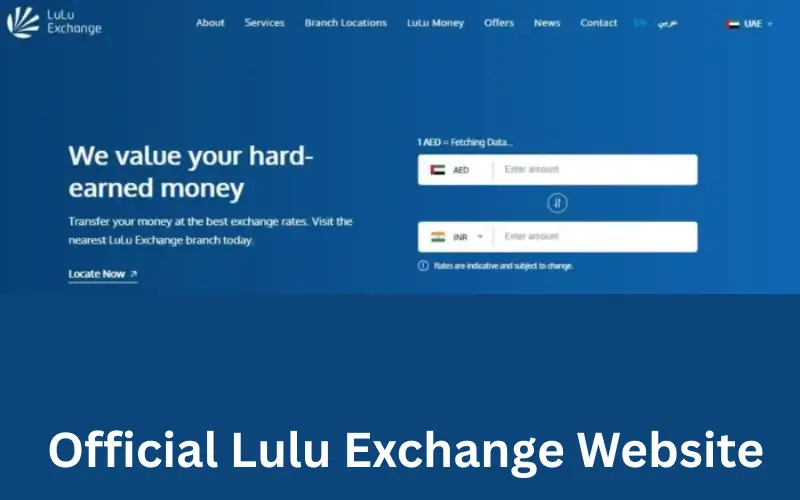
Lulu Exchange’s official site provides an easy way to view your account balance and check the prepaid cards.
How to check your balance online:
- The official Lulu Exchange site is available.
- Log in to your account by clicking on the Login section.
- Please enter your login credentials (username & password) to access the account.
- Click on the Account Balance or Card Balance link.
- Monitor recent transactions and transaction histories to ensure accuracy.
Customers who wish to manage their accounts, check the balance, and review past transactions can use this online portal. You can also get up-to-date financial information without having to visit a physical branch.
Mobile App Balance Check
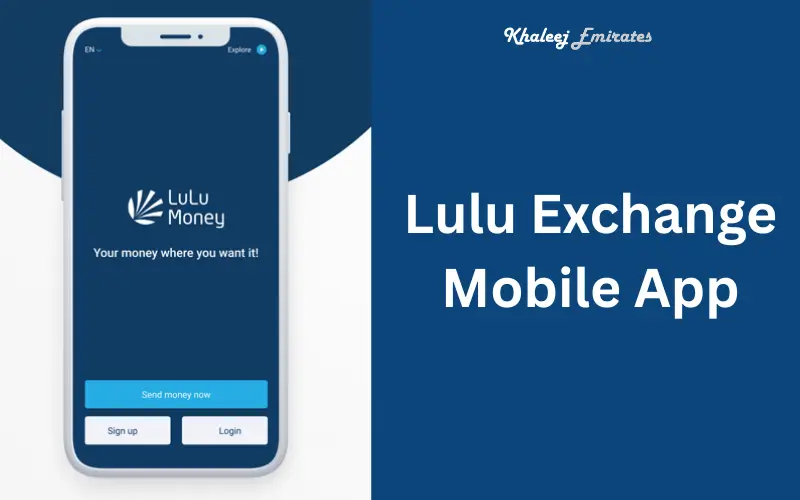
Lulu Exchange is a mobile application available for Android and iOS devices. It allows users to check their balances and receive real-time updates.
How to check the balance of a Mobile App:
- You can download the Lulu Exchange App from Google Play Store and the Apple App Store.
- Log in to the app using your account.
- To view the balance of your account or card, click on Balance Overview.
- Check recent transfers and transactions.
- Enable instant notifications to receive alerts about account activity.
Users who frequently travel or want to monitor money transfers while on the move will find this app ideal.
SMS Balance Check
Lulu Exchange offers a balance enquiry service via SMS for customers who do not have internet access.
How to check SMS balance:
- Use your messaging application to send a message.
- You can send an SMS by sending a message to the Lulu Exchange official number.
- Please include all required information, including account numbers, prepaid cards, and registered mobile numbers.
- Wait for the confirmation SMS with your balance.
It is easy to verify your balance on the spot, particularly when in transit, or even outside the UAE.
The Branch Balance Check
To check the balance of your prepaid card or account, you can visit any Lulu Exchange branch, which is usually located inside a Lulu Hypermarket.
Requirements for Branch Checks:
- Emirates ID
- Details of your account or card
- If needed, a transaction reference number
The branch staff will be able to provide you with instant updates on your balance, answer any questions about transactions, and resolve any problems related to your account.
Checking Remittance Status
It is important to monitor your money transfer status in order to make sure that the funds reach their intended recipients on time.
What is the status of your remittance?
- You can track the status of transfers online by using the transaction number.
- Use the mobile app to check your real-time remittance status and history.
- Text message: To verify the transaction, send the reference number via SMS to the designated SMS number.
- In Branch: Provide transaction details for staff to confirm successful payment.
You can avoid delays by regularly tracking remittances, as well as providing recipients with accurate information.
Common issues during balance check
It is easy to check your Lulu Exchange account balance. Some common problems may arise. If you lose your password or username for accessing online services or apps, then login issues can occur. It is possible that network issues can delay SMS confirmations. The wrong details (such as entering the incorrect account number, credit card number, or mobile number) can block balance retrieval. Access may be temporarily blocked by technical errors, such as a website or an app that is down. A fraud alert triggered from an unauthorized attempt to access your account may also lock it for security purposes.
Solution to the Balance Check Problem
You can contact Customer Support to resolve this issue or reset your password. Verify your account details and credit card number before you send an SMS. Wait a few moments or try it again at a time when the system is not busy. Avoid phishing and scams by only using official channels. This will ensure that the balance check is accurate and smooth.
Safety Tips When Checking Your Balance
It is vital to keep your personal information secure. Use the Lulu Exchange mobile app or official website. Do not share OTPs or account details with others. Third-party apps claiming to show Lulu Exchange Balance should be avoided. If two-factor verification is available, enable it. For future reference, keep a record of SMS confirmations as well as transaction receipts. These safe practices help prevent fraud and safeguard sensitive financial information.
Checking the Lulu Exchange balance regularly has many benefits
- Keep up to date with the latest information on available funds for payments and transfers.
- Insufficient balance can cause transactions to fail.
- Keep track of your spending: Track monthly expenditures and prepaid card use.
- Assure Timely Remittances: Verify that the money is received on time.
- Enjoy peace of mind by reducing uncertainty about your financial transactions.
Conclusion:
Lulu Exchange is an important part of your management in managing financial activities. Maintaining your account, whether you are using the mobile app, online portal, SMS, or branch services, ensures accurate transactions, smooth remittance and prepaid card management. You can monitor your Lulu Exchange account balance anywhere and anytime by following security procedures.
Lulu Exchange, with its presence across Dubai, Abu Dhabi, and Sharjah and in other emirates continues to provide convenient, reliable, and affordable services for locals, expatriates and business owners. Balance checks are important to avoid errors in transactions, stop unauthorized activities, and give you peace of mind.
Must visit:
FAB Balance Check
Unlink FAB Mobile App Safely and Easily
FAB iSave Account UAE
Frequently Asked Questions
What is the online balance of Lulu Exchange?
You can view the current balance of your account and your recent transactions by logging into your Lulu Exchange official account through the website.
Can I check my balance via SMS?
Lulu Exchange does provide a dedicated SMS Number. You can receive an immediate balance confirmation by sending your account details or the prepaid card information in the format specified.
How can I access the balance of my prepaid card via an app?
The Lulu Exchange app for smartphones allows you to check your prepaid card balances, view recent transactions, and choose reloading options.
What is the best way to track my remittance?
The transaction number can be tracked via the mobile app, website, SMS, or branch service.
What should I do when the balance on my SMS or App does not show up?
Your SMS or App may not show the balance.
- Retry in a few moments.
- Verify your account details or credit card.
- For assistance, contact Lulu Exchange Customer Support.