






5 Easy Steps for How to Check Emirates ID Status With Passport Number
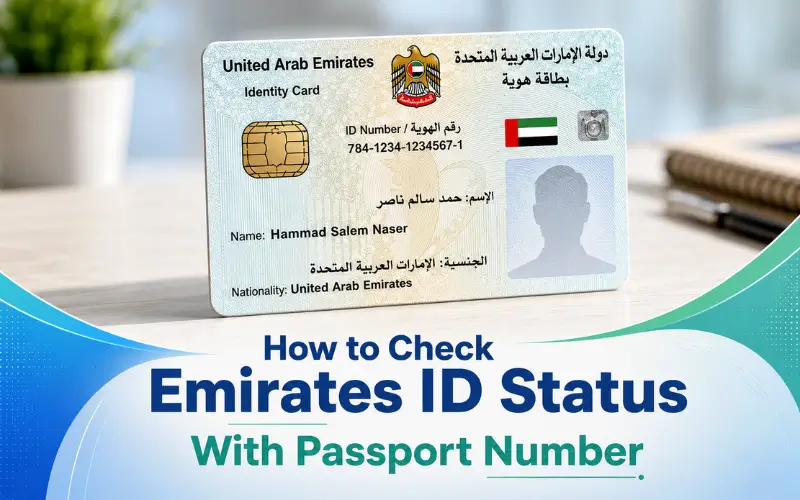
The Emirates ID is one of the essential identity cards in the UAE. It is granted by the ICP (Federal Authority for Identity, Citizenship, Customs and Port Security). The residents require it for numerous activities in their daily lives. For banking, healthcare, employment, and government services. If you’ve submitted a new card or renewal, you might want to monitor the process. People often want to know how to check Emirates ID status with passport number if they don’t have their Emirates ID number. The great news is that you can check the status of your application online. This keeps you informed of all the processes.
Quick Facts About Emirates ID Status Checks
| Information | Details |
| Issuing Authority | Federal Authority for Identity, Citizenship, Customs and Port Security (ICP) |
| Official Tracking Portal | ICP ID Card Status Service |
| Tracking Methods | Passport Number, PRAN, Emirates ID Number |
| Mobile Option | UAEICP Mobile App |
| Customer Support | ICP Contact Center: 600 522222 |
| Applicable For | New Applications, Renewals, Replacements |
| Availability | Online 24/7 |
| Coverage | All UAE Emirates |
What Is an Emirates ID?
Emirates ID is a required ID card for UAE citizens and residents. It comprises personal information, biometric data, as well as a unique identification number that is used throughout public and private services.
The card is connected to:
- Residence visa records
- Biometric information
- Healthcare systems
- Banking services
- Government transactions
- Telecommunications registration
The Emirates ID is required for accessing numerous vital services in the UAE, but they are not available or accessible.
Can You Check Emirates ID Status With Passport Number?
Yes. In many situations, an applicant can follow up on the application for an Emirates ID through the official services of ICP using the number on their passport if they do not have the Emirates ID number with them. The ICP Smart Services ecosystem enables identity verification and application verification with the use of passport data.
The ICP ID Card Status service is the most direct way that is officially used to track the card, using the PRAN (Personal Registration Acknowledgement Number) or Emirates ID number.
How to Check Emirates ID Status With Passport Number Online
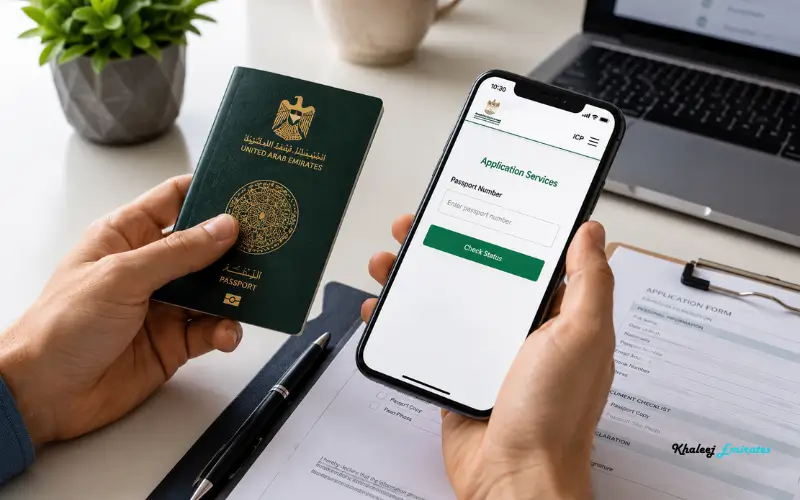
Visit the Official ICP Platform
Access the official ICP portal and Emirates ID tracking service. The ICP offers specific services for monitoring and supervising applications for identity cards and residency procedures.
Make sure to rely on official government platforms for the most accurate information and to prevent any data privacy issues.
Access the Status Check Service
In ICP Smart Services, go to the ID Card Status or File Validity area.
The system can be used to get information with respect to applications for identity cards, residence files, and related information.
Enter Passport Details
Include the following information:
- Passport number
- Nationality
- Date of birth
- Further verification information (if requested)
The specific fields may differ according to the service offered and the immigration status of the applicant.
Submit the Request
Fill in the information and send the question.
The system will look for the availability of information related to applications associated with the passport entered into the system, and will present the data that is available.
Review the Status
One of several application stages may be observed as:
| Status | Meaning |
| Application Received | Application successfully submitted |
| Under Processing | Verification is ongoing |
| Biometrics Pending | Biometric appointment required |
| Approved | Application approved |
| Card Printed | The Emirates ID card has been produced |
| Dispatched | Card sent for delivery |
| Ready for Collection | Card available for pickup |
| Delivered | Process completed |
The status description may differ slightly between application types and in the different processing stages.
How to Check Emirates ID Status Using PRAN
For many of the applicants, the speediest and also the most dependable way is the PRAN number.
What Is PRAN?
A Personal Registration Acknowledgement Number (PRAN) is issued when you make an application to Emirates ID.
It is typically found on:
- Application forms
- Registration receipts
- Typing center receipts
- ICP service confirmations
PRAN Status Check Process
Go to the official ICP ID Card Status service and type in:
- PRAN number
- Emirates ID number (for renewals or replacements)
The most recent application status will be shown on the system.
How to Check Emirates ID Status Through the UAEICP App
The UAEICP mobile app offers access to various identity and immigration services.
Steps
- Get the UAEICP application.
- Enter or log in with appropriate accounts.
- Click on ID Card Status.
- Fill in the required details.
- Check the progress of the application.
The app for mobile devices is handy for those who want to follow updates on their mobile device instead of the web.
How Long Does Emirates ID Processing Take?
The processing time may take a bit longer depending on one or more of the following factors:
- Residency visa approval timelines
- Biometric appointment availability
- Public holidays
- Application accuracy
- System workload
Within a few business days after all requirements are fulfilled, many applications are processed; however, the actual processing time is not guaranteed by ICP and is subject to variation.
If the application does not change within an unusually long time, please get in touch with ICP directly to clarify it.
Common Reasons for Emirates ID Delays
Several things can slow down processing.
Incorrect Personal Information
Errors in:
- Passport number
- Name spelling
- Nationality
- Date of birth
May result in further verification requirements.
Missing Documents
Incomplete applications will stay pending until corrections are received.
Biometric Verification Issues
Biometric enrollment is generally implemented as a prerequisite for the processing of first-time applicants.
Residency Visa Delays
Visa processing delays could also impact Emirates ID issuance, as the issuance of Emirates ID is closely tied to residency processes.
What to Do If Your Emirates ID Status Is Not Updating
If there is no change in your status for a long time:
Verify Application Details
Double-check:
- Passport number
- Application reference
- PRAN
- Personal information
There is a risk of errors in tracking, even with small errors.
Use Alternative Tracking Methods
If passport tracking fails to return anything, then try:
- PRAN number
- Emirates ID number
- ICP Smart Services account
Contact ICP Support
The ICP customer support center can be contacted for any application problems.
ICP Contact Center: 600 522222
Visit an Authorized Service Center
Candidates may also request help from the following:
- ICP Customer Happiness Centers
- Authorized typing centers
- Several service centers in the UAE are relevant according to the problem you are facing.
Difference Between Emirates ID Status and Visa Status
These two services are often mixed up.
| Emirates ID Status | Visa Status |
| Tracks identity card application | Tracks residency or entry permit |
| Managed by ICP | Managed by ICP or GDRFA, depending on the emirate |
| Focuses on card issuance | Focuses on immigration approval |
| Uses PRAN, ID number, or passport details | Uses file number, passport details, or visa information |
Both are linked but for different purposes.
Why Regular Emirates ID Status Checks Matter
When monitoring your application, you can:
- Confirm successful submission
- Identify and address processing problems early in the process.
- Avoid unnecessary delays
- Track delivery progress
- Prepare for card collection
- Ensure that UAE regulations are followed.
An Emirates ID is a necessity for residents for their daily activities in the country.
Conclusion
If you are wondering how to check Emirates ID status with passport number, the process is simple through the official ICP Smart Services platform. You can enter your passport information to view the status of your Emirates ID application, renewal, or replacement online. The system updates about processing, biometric verification, approval, printing of cards, and their delivery. Periodic status checks keep you updated and alert to any potential issues. When monitoring an application, remember to use official ICP channels for accurate information.
Must Read: Emirates ID Tracking UAE – Fast & Easy Status Check Online
How to Check UAE Visa Status Without Application Number?
Check UAE Visa Status with Passport Number in 2026 – Step-by-Step Guide
FAQs
How to check Emirates ID status with passport number online?
Go to the ICP website, fill in your passport information, and submit to check the status of your application.
How to check the Emirates ID status with the passport number if I do not have my ID number?
Your passport number and other necessary information can be used via ICP Smart Services.
How to check the Emirates ID status with the passport number for a renewal application?
Utilize a similar ICP tracking service, and input the details of your passport to see the current updates.
Can I check Emirates ID status using the UAEICP app?
Yes. The UAEICP app enables you to monitor your Emirates ID application via your mobile device.
How to check the Emirates ID status with the passport number when the application is under processing?
Fill the ICP portal with your passport information to check the current processing stage.
What should I do if my Emirates ID status is not updating?
If the status doesn’t change, check the information and, if needed, contact ICP support.
How to check Emirates ID status with passport number after card approval?
Check the status of your card using the ICP tracking service.